
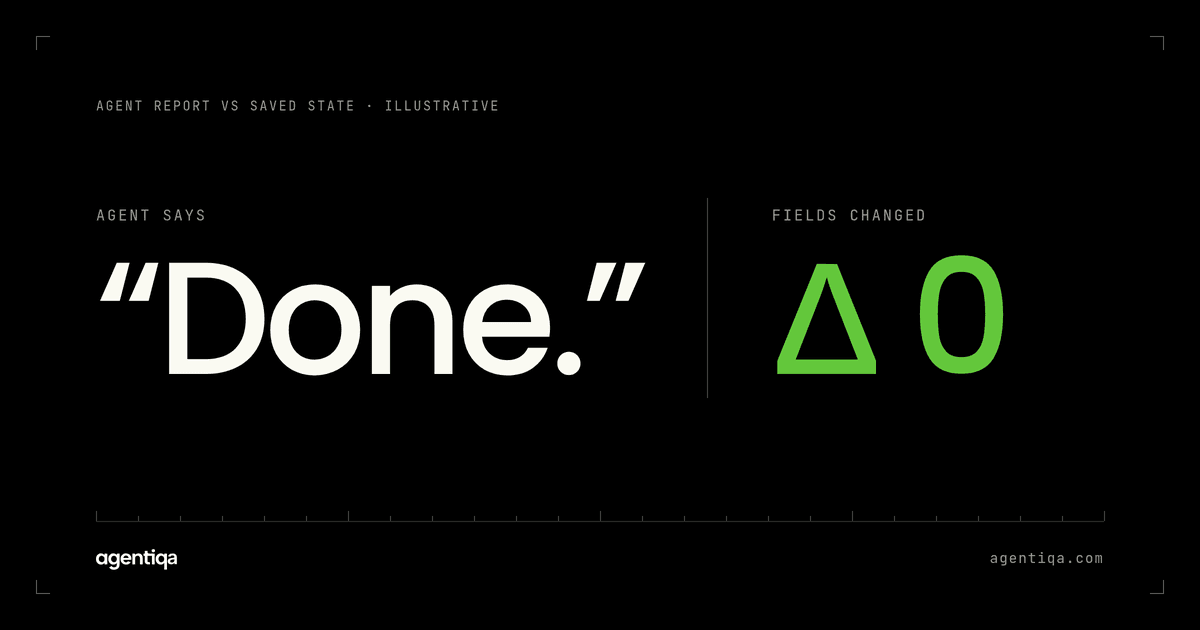
In short: hallucinated success is when an AI agent reports an action as done, such as "order created" or "refund issued", although the write failed, only partly happened or never ran. Catch it by comparing what the agent claimed with what the system of record holds, on each critical flow, before each release.
It's the most dangerous failure an agent with write access can have, because nothing looks wrong. The user gets a confident confirmation, the logs show a tool call, and the team finds out when a customer asks where their order went.
What does it look like?
- Failed write, success message. The API returned an error; the agent said it worked.
- Partial write, full success message. The order header was saved, the line items were rejected, and the agent reported a complete order.
- No write at all. The agent skipped the tool call and described the result anyway.
- Wrong write, right-sounding message. The record has a truncated ID, but the confirmation quotes the value the agent intended. More on this in AI agent wrote wrong data to your CRM or ERP.
Research on tool-calling models describes the same family of errors as "tool hallucination" and notes that, because they happen during task execution, they're hard to detect and easily lead to false final answers (Xu et al., arXiv 2412.04141).
Why do agents say "done" when the write failed?
The model never sees the database. It sees text and predicts the most plausible next message. Several ordinary situations make "done" the most plausible message:
| Situation | What the agent sees |
|---|---|
| Tool wrapper swallows the error | "Request completed" or an empty result |
| 200 with an error in the body | {"status": "error", "message": "invalid unit code"} |
| Asynchronous acceptance | 202 Accepted, and the job fails later |
| Timeout | No response, so the model fills in the outcome it expected |
| Long context | The error happened many steps ago and dropped out of focus |
None of this needs a bad model. Prompt rules like "never claim success unless the tool succeeded" help, but they don't remove the problem.
Why traces and LLM judges miss it
Traces show calls, not commits. A trace proves the agent called create_order and got a response. It doesn't prove the order exists with the right values.
An LLM judge reads the same transcript. It sees the same ambiguous tool output and can make the same mistake. Verification has to come from outside the conversation, the same reason the AI that wrote the code shouldn't grade its own work.
Unit tests mock the tools. A mock always succeeds, so the failure paths never run.
How to detect it: claim versus record
After the agent finishes, a check outside the agent extracts what it claimed and queries the target system for the truth.
| The agent claims | Read back | Pass only if |
|---|---|---|
| "PO-88412 created for 120 m of cable" | The order and its line items | The order exists, the ID matches exactly, 120 meters, status accepted |
| "Contact updated with the new phone number" | The contact and its change history | That field changed, nothing else did |
| "Refund of $49.00 issued" | Transactions for that invoice | Exactly one refund of $49.00 on the right invoice |
| "I couldn't place the order, the supplier is blocked" | Orders for the request | No order exists |
The last row matters: an agent is allowed to fail. It isn't allowed to fail and say it succeeded. The AI agent production readiness checklist lists this as a check before launch: when a write fails, the agent says so.
How to test for it before release
Catching it in production means the customer already has the wrong data. Catch it earlier by forcing the conditions that cause it. Put a fault-injecting layer between the agent and a sandbox of each target system, run each critical write flow with a 500/502, a timeout after commit, a 200 with an error body, a 202 that fails later and a validation error, then reconcile claim against record.
Two design changes make this easier to pass: tools that return structured outcomes ({"ok": false, "error": ...} plus the record ID), and a rule that the agent may only confirm values it read back. Many of the same fault cases also expose duplicate writes, so run both checks together. The full method is in how to test AI agents that write to your CRM or ERP, and how this differs from monitoring is covered in release gates vs observability and evals. If the agent reads emails, documents or other outside text, also test inputs written to steer it; see testing for misuse and prompt injection.
FAQ
Why does my AI agent say it completed a task when it didn't?
It judges success from text: a tool response, an error string or no response at all. Swallowed errors, HTTP 200 responses that carry errors, "accepted" replies and timeouts all make "done" look plausible even when the write failed.
Can an LLM judge detect hallucinated success?
Not reliably on its own. It reads the same transcript as the agent. Detection needs an independent read of the system of record, compared with the agent's claim.
How do you test an AI agent for hallucinated success?
Run each critical write flow against a sandbox while injecting failures, then check that the saved state is correct and that the agent's report matches it. Do this before every release.
Shipping AI agents with write access to ERP, CRM or billing? Agentiqa sets up high-confidence release gates for vertical AI agents in high-liability domains that checks what your agent reported against what was actually saved, including under injected failures. The gates run before every release, and the first release gates are live within 7 minutes. Book a 20-Minute Mutation Risk Audit.
Testing your own web app? Start free with the Agentiqa Community Edition.