
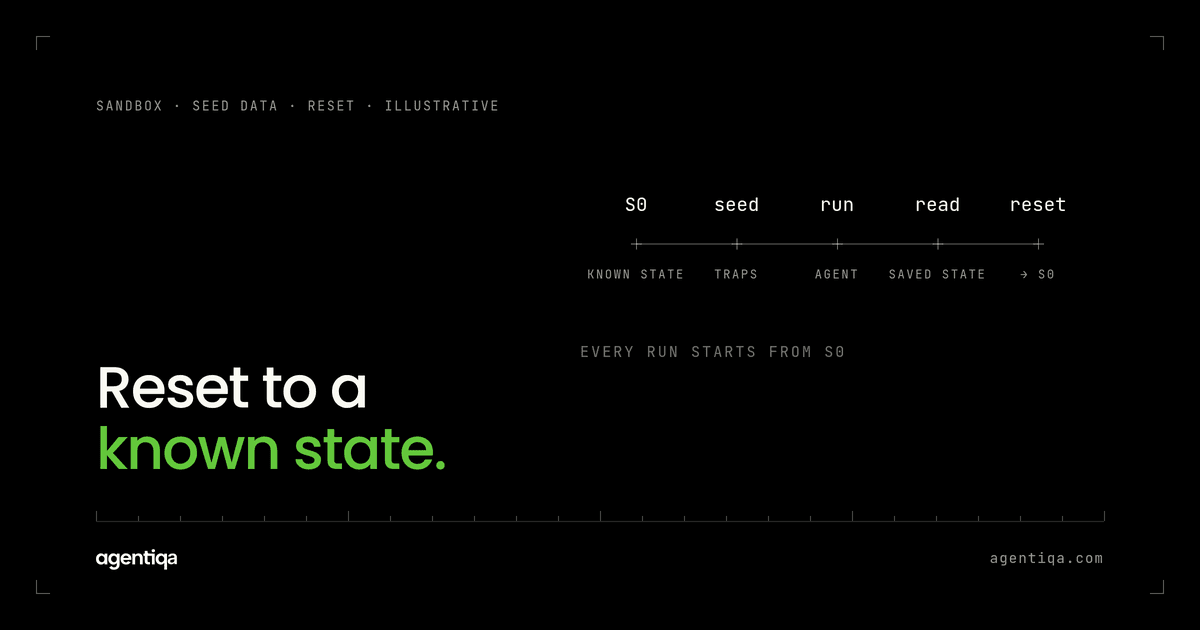
In short: a good test environment for an AI agent with write access has four parts: a test instance of each system the agent writes to, configured like a real customer's; seed data that includes the awkward records where agents go wrong; a way to reset that data to a known state before each run; and read access so tests can check what the agent actually saved. Without the reset and the read-back, you are watching the agent, not testing it.
Teams often start testing agents in whatever environment is closest: a developer's sandbox, a shared demo tenant, or production with a test customer. Each works for a demo and fails as a basis for release decisions. This post covers what an agent test environment needs, how to seed and reset it, and the shortcuts that cause false confidence.
Why do AI agents need their own test environment?
A normal integration test sends a fixed request and checks a fixed response. An agent decides at run time which records to read, which to change and in what order. That has three consequences for the environment.
- The data drives the behavior. If the test tenant has one supplier, the agent cannot pick the wrong one. Real tenants have hundreds, some with similar names.
- Every run changes the data. An agent that creates an order leaves the order behind. The next run starts from a different state unless something resets it.
- Configuration is part of the test. Validation rules, approval thresholds, required fields and automation decide whether a write succeeds. A default tenant without them tells you little.
What should an AI agent test environment include?
1. A test instance of each target system
One per system the agent writes to: ERP, CRM, billing, document management, ticketing. Use the vendor's sandbox or test tenant where there is one. Mocks are fine for unit tests of your own code but hide the validation and error behavior that matters for release decisions.
2. Configuration copied from a real customer
Copy the structure, not the data: the custom fields, approval rules, cost centers, picklist values, tax settings and user permissions of a representative customer. If customers differ a lot, keep one environment per configuration pattern.
3. Seed data with traps
Synthetic records, shaped like production. On top of the normal records, add the ones that catch agents:
- two suppliers, accounts or matters with similar names;
- a record that was closed or archived recently;
- an item sold in different units;
- a contact who moved to another company;
- an open and a closed version of the same deal, order or case.
These are where an agent picks the plausible but wrong value. See AI agent wrote wrong data to your CRM or ERP for the patterns.
4. A reset to a known state
Before each run, the environment should return to the same starting data. Options, from most to least reliable:
- restore a snapshot or recreate the tenant from a script;
- delete everything created since the seed, using a tag or a creation timestamp;
- give each run its own namespace, such as a unique customer or project, so runs do not see each other's records.
Without a reset, tests pass or fail depending on what the previous run left behind. That is a common source of flaky agent tests. Once the environment is stable, start with smoke tests for AI agents before each release.
5. Read access for the test
The test needs to read the target systems directly after the agent runs, through the API or the UI, to compare actual against expected state. The agent's own account of what it did is not evidence. See hallucinated success.
6. A way to inject failures
Timeouts, 502s, rate limits and validation errors should be easy to trigger on specific calls. That is how you test retries, duplicate writes and partial failures.
Can you test an AI agent in production instead?
Not as a release gate. Production gives you real data and real configuration, which is valuable for monitoring, but a test that writes into a customer's live system has real effects: emails go out, orders reach suppliers, entries hit the ledger. You also cannot reset it, so you cannot repeat a run from the same starting point. Use production observability to learn which flows and records cause trouble, then add those patterns to the test environment.
How do you handle credentials and data protection?
Use separate credentials for the test environment, with the same permission level the agent has in production. Too broad, and tests miss permission errors. Too narrow, and every test fails for the wrong reason. The permission cases to run there are in AI agent permission testing. Keep real customer data out of seed data; build synthetic records that copy the shape. For legal and finance work this matters twice, because test logs and screenshots end up in places production data should not go.
What are the common shortcuts that cause false confidence?
- A clean demo tenant. Everything passes because nothing is ambiguous.
- No reset. Results depend on run order.
- Checking the transcript. The agent says it did the right thing; nobody looks at the record.
- One customer configuration. The agent works for the customer you built it with and breaks for the next one.
- Mocks for release decisions. No validation rules, no duplicates, no real errors.
How long does it take to set up?
The first environment takes the longest, mostly in copying configuration and writing the seed script. After that, each new flow is a request, an expected end state and some extra seed records. Start with your three most important flows and grow from there. The same order applies as in how to test AI agents that write to your CRM or ERP: map the writes first, then build the environment around them.
How does Agentiqa use the test environment?
Agentiqa builds high-confidence release gates for vertical AI agents in high-liability domains such as procurement, legal, finance and supply chain. The gates run the agent's critical flows in your test environment, read back what was written, and stop the release when the data does not match, with the execution trace and the data diff. First release gates live within 7 minutes.
FAQ
What is a test environment for AI agents?
It is a set of test instances of the systems an agent writes to, configured like a real customer's, with seed data, a reset to a known state and read access for checking results. It lets you repeat the same run and compare what the agent saved against what it should have saved.
Do I need a full copy of the customer's ERP?
No. You need the parts that affect the agent's writes: configuration, required fields, approval rules and representative data. A sandbox with that configuration is usually enough.
How do I keep agent tests from interfering with each other?
Reset to a snapshot before each run, or give each run its own namespace so records do not overlap. Parallel runs need separate namespaces.
Can I use real customer data for seed data?
Avoid it. Copy the structure and invent the records. Real data in test logs and evidence creates data protection problems you do not need.
Is there a free way to try this?
Yes. The Community Edition is free for web apps and simple agentic workflows, with 20 runs a month that reset monthly. Pro is $39/month.
Next step
Write down the systems your agent writes to and whether you can reset each one to a known state today. If any answer is no, that is the first thing to fix, and we can map it with you in 20 minutes.