
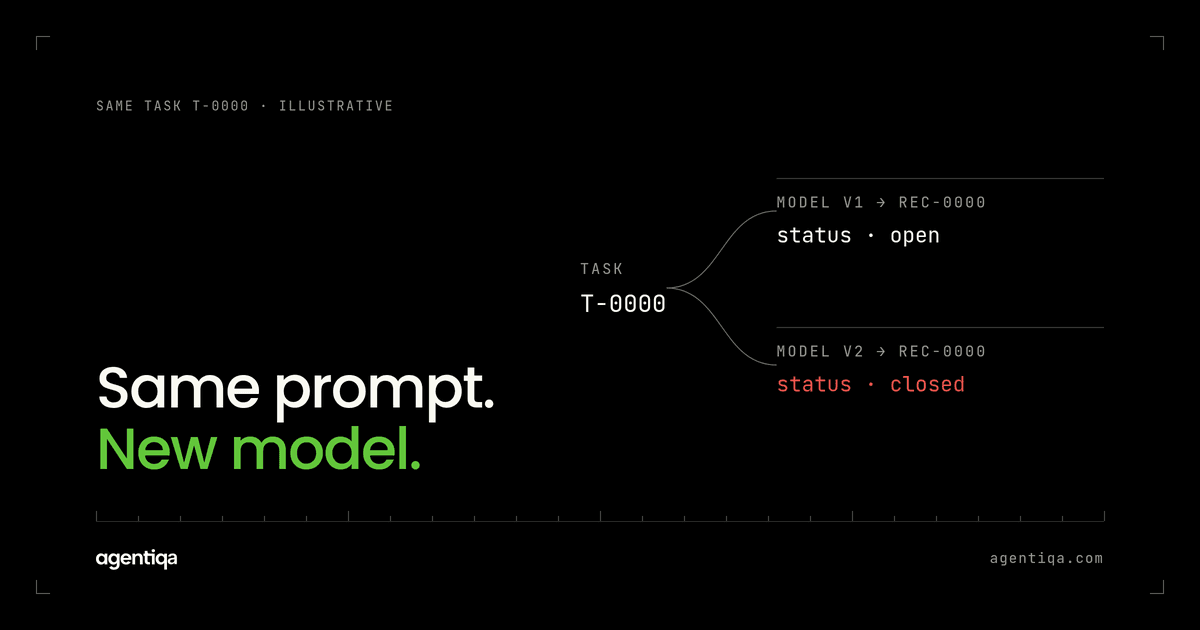
In short: when you switch models, or your provider updates the model behind the same name, re-run your agent's critical flows against the real target systems before the new model reaches customers, and compare what gets written field by field with the previous version. Model changes rarely break agents loudly. They change how the agent reads dates, picks tools, handles errors and follows instructions, and those changes show up as wrong data, not as exceptions. Treat a model change like a code release, with its own release gate.
Teams change models for good reasons: lower cost, better reasoning, a deprecation notice. The change is often a one-line config edit. Because the code did not change, the existing tests still pass. That is exactly the problem.
Why does a model update break an agent without breaking tests?
Unit tests mock the model or pin its responses. Integration tests often check that a tool was called, not with what arguments. Neither notices that the new model:
- calls tools in a different order, or skips a lookup it used to do;
- formats dates, numbers or IDs differently in tool arguments;
- follows a system prompt instruction more literally, or less;
- retries more aggressively after an error;
- summarizes a failed step as success;
- reacts differently to instructions hidden in documents.
Each of these is a behavior change in an agent that writes to other systems. The effect shows up in a customer's ERP or CRM, which is where tests pass but production breaks.
What kinds of model change should you test for?
Planned switches. Moving to a new model family or a cheaper tier. You control the timing, so test before you switch.
Version bumps. A provider releases a new snapshot and you move to it. Same as above.
Silent updates. You use an alias that points to the latest version, and the provider moves it. You do not control the timing. This is why scheduled runs matter.
Parameter changes. Temperature, reasoning effort, max tokens, tool choice settings. They feel minor and often are not.
Prompt changes made to fit the new model. Often done at the same time as the switch, which makes it harder to tell which change caused a regression. Change one thing at a time where you can.
How do you test an agent after a model change?
Run the same flows on both models
Take your critical flows and run them on the current model and the candidate. Run each one several times, because a single run can hide variation between runs. Store the full trace and the resulting state of the target system for each.
Compare written data, not transcripts
The transcripts will differ, and that is fine. What matters is whether the written records differ. Compare the resulting purchase orders, CRM records, ledger entries or documents field by field. Differences in amounts, units, IDs, recipients or dates are regressions until proven otherwise. The read-back method is in how to test AI agents that write to your CRM or ERP.
Re-run failure cases
Inject timeouts and 5xx errors again. A new model may retry differently, and that is how duplicate writes appear. Check that failures still end in one write or a clean, reported failure, and that the agent does not claim success that did not happen. See hallucinated success.
Re-run manipulation cases
Models differ a lot in how they handle instructions inside documents and tool results. A prompt injection case that failed safely on the old model may succeed on the new one. Re-run every case from agent mistakes made on purpose before switching.
Decide with a rule, not a feeling
Agree in advance: any regression in a critical field blocks the switch. Improvements elsewhere do not compensate. A model that writes better summaries and books one line in the wrong unit is not ready.
What does a model regression look like in practice?
A typical example: an agent creates purchase orders from email requests. On the old model, it looked up the supplier's unit of measure before creating the line. On the new model, which is faster and more confident, it skips the lookup when the email already contains a number and a word that looks like a unit. Most orders come out right. Orders for items sold by the box come out in pieces. No test fails, because the unit tests mock the lookup and the eval scores the agent's reply, which is polite and correct about everything except the quantity. The only check that catches it is one that reads the created order and compares the unit with the expected one. The domain-specific checks are in the guides for procurement, legal, finance and supply chain agents.
How do you catch silent provider updates?
Run your critical flows on a schedule, nightly or weekly depending on how often the agent is used, against the model alias you use in production. Compare results with the last known good run. When the written data changes and nothing on your side did, the model or a target system changed. The case study with an AI procurement company shows what nightly runs look like for agents that write into enterprise procurement systems.
Pinning a specific model version, where your provider allows it, reduces surprise. It does not remove the need to test, because pinned versions are eventually retired.
What about evals?
Run them too. Evals tell you whether answer quality held up across the change, and they are fast. They usually do not tell you whether the agent still writes correct records to external systems. Use evals to shortlist candidate models and a release gate to decide whether the winner may ship. The roles are compared in release gates vs observability and evals.
How do you roll out a new model safely?
- Run the release gate on the candidate model. Fix or reject on any critical regression.
- Roll out to internal users or one low-risk customer first, if your setup allows it.
- Watch production traces for new error patterns and unusual write volumes.
- Keep the previous model configuration ready to restore.
- Keep the scheduled runs going after rollout, since the first week is when surprises show up.
FAQ
Why did my AI agent stop working after a model update?
Usually because the new model behaves differently in tool calls: argument formats, tool order, retry behavior or instruction following. Compare the tool calls and the written data between the old and new model on the same flows to find the change.
Should I pin the model version?
Where possible, yes, for production. It gives you control over timing. You still need to test before every switch, and versions do get deprecated.
How many runs per flow are enough to compare models?
Enough to see variation. A handful of runs per critical flow is a reasonable start. If results differ between runs on the same model, fix that first, because it makes any comparison noisy.
Can a release gate run on a model change alone?
Yes. Any change that affects behavior should trigger it: code, prompts, tools, model or parameters. With Agentiqa, first release gates live within 7 minutes. See Enterprise.
Is there a free way to start?
The Community Edition is free for web apps and simple agentic workflows, with 20 runs a month. See pricing.
Next step
Before your next model switch, run your three most important flows on both models and diff the written records. If you want a second pair of eyes on which flows those are, we map them with you in 20 minutes.